First check the place and local time
A useful forecast starts with the correct location. Every city page on World Wide Weather News names the requested coordinates, the returned model grid and the city’s IANA timezone. The timezone matters because “today” in New York is not the same slice of time as “today” in Tbilisi. Hourly values are shown in city-local time, while the underlying timestamps remain unambiguous instants. During a daylight-saving change, a local day can contain 23 or 25 hours.
The requested city coordinate is a point, while a numerical weather model works on a grid. The model value therefore describes an area represented by the returned grid point. A neighbourhood, hill, coast or dense city centre can differ from that grid estimate. The coordinates and model-grid location are published so this limitation is visible.
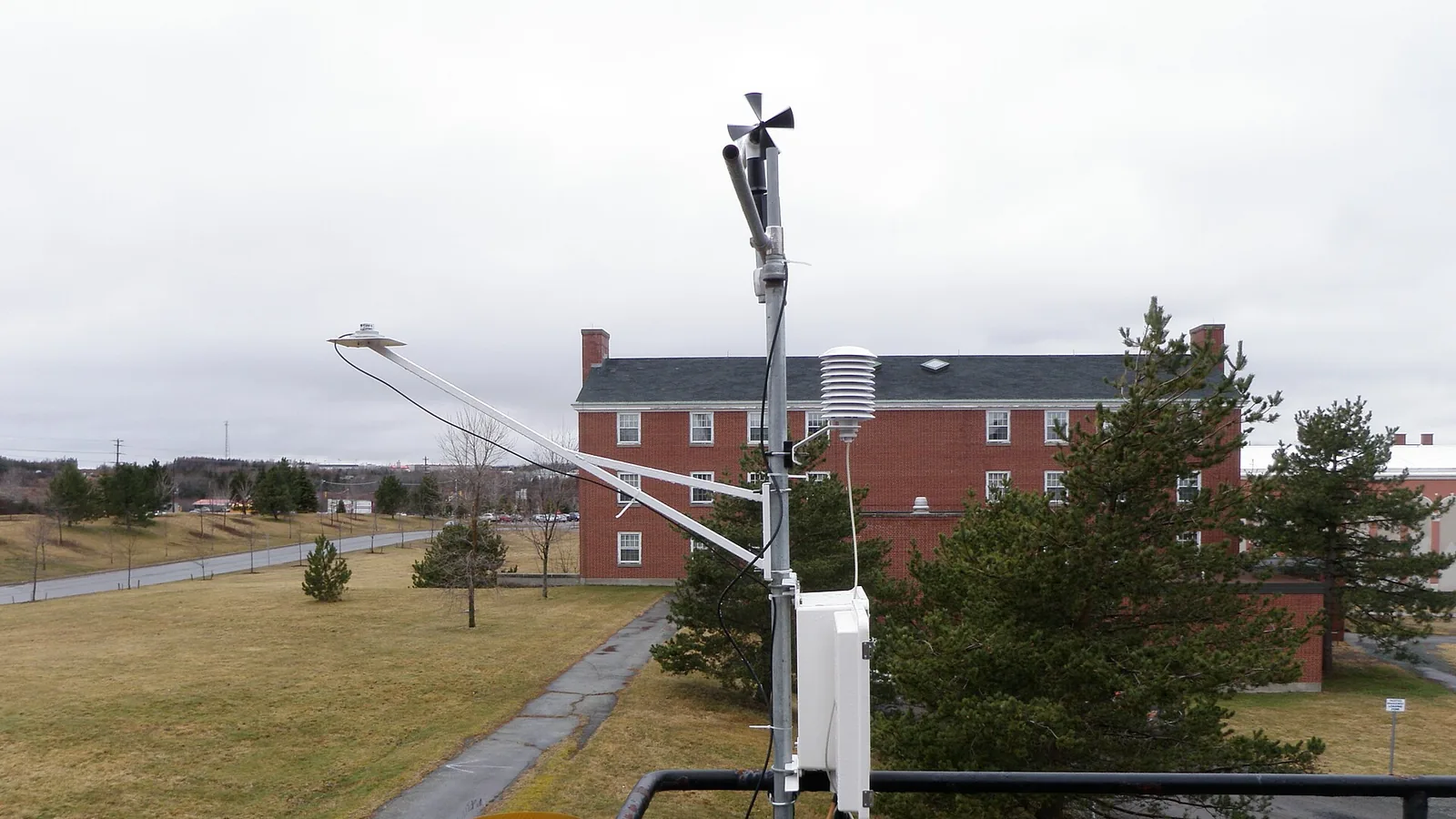
A current model estimate is not a station observation
The large number at the top of a city page is the model value valid for the displayed time. It is not a thermometer reading from a named station. MET Norway explains that Locationforecast is produced automatically from numerical weather-prediction systems and post-processing. The site labels the number as a model estimate and hides it as a current condition when it is too old.
This distinction is useful when comparing the page with a phone sensor, airport report or street thermometer. Those sources can represent different heights, surfaces, times and locations. A difference does not by itself show that one value is defective. Compare like with like: location, valid time, measurement height and whether the value is observed or modelled.
Read hourly values as a sequence
The hourly table is the most useful part of the page for planning. Look at the direction of change across several hours instead of relying on one isolated number. A gradual temperature fall, a cluster of wet hours or rising wind estimates is more informative than a single cell.
MET Norway defines air temperature at two metres above the ground. Its wind speed is at ten metres and represents a ten-minute average; a gust is a much shorter peak. That is why the gust number can be substantially higher than the wind-speed number. Relative humidity is also given at two metres. These definitions help explain what the columns represent, but local exposure can still produce different conditions.
Precipitation amount and precipitation probability answer different questions. Amount estimates how much precipitation is represented for the forecast period. Probability expresses the chance of precipitation where the provider supplies it. A small expected amount can have a high probability, and a larger possible amount can have a lower probability. World Wide Weather News leaves an unavailable probability blank rather than turning it into zero.
Treat daily highs and lows as labelled ranges
The seven-day table groups hourly model values by the city’s local calendar date. When the provider supplies sampled forecast values rather than official full-day extrema, the page labels them as sampled ranges. Today may cover only the hours remaining after the snapshot was retrieved. It would be misleading to compare that partial-day range with an observed record or a complete climatological day.
The comparison between today’s and tomorrow’s forecast high uses values from one snapshot. It describes the model’s current estimate, not the temperature that was observed and not a climate record. As new model runs arrive, both days can change.
Check issue, retrieval and validity times
A forecast has several relevant times. The provider issue time identifies the model product when supplied. The retrieval time shows when this site obtained the data. The valid time identifies the hour the value describes. They are not interchangeable.
World Wide Weather News validates a complete snapshot before making it active. If updates are delayed, the page keeps the last validated snapshot for a limited period and labels the delay. It stops presenting an old value as current conditions before it withdraws the whole stale forecast. After the configured expiry limit, the numerical forecast is withheld instead of being silently reused.
Use the 24-hour panel as a scan, then inspect the table
The “Next 24 hours at a glance” panel calculates four summaries from the same validated hourly rows: the temperature span, the largest hourly precipitation amount, the strongest wind or gust signal and the humidity range. It is a navigation aid, not a second forecast. Use its time label to find the relevant row in the hourly table and check the surrounding hours.
Forecasts are not warning feeds
A point forecast helps with ordinary planning. An official warning communicates a hazard through the responsible public authority and can include affected areas, severity, timing and protective instructions. This website does not currently ingest an official warning feed. Each city page therefore links to its official local weather service and says clearly that the link is not an automated warning connection.
For safety-critical decisions, open the official service and follow public-authority instructions. A seven-day model table should never be used as proof that no warning exists.
A five-step check
- Confirm the city, coordinates and local timezone.
- Check whether the page says fresh, delayed or unavailable.
- Read several consecutive hourly values.
- Note whether a value is missing and whether the daily range is sampled.
- Check the official service for warnings when safety is involved.